看视频版
这个页面讲的内容,用画面演示一遍。
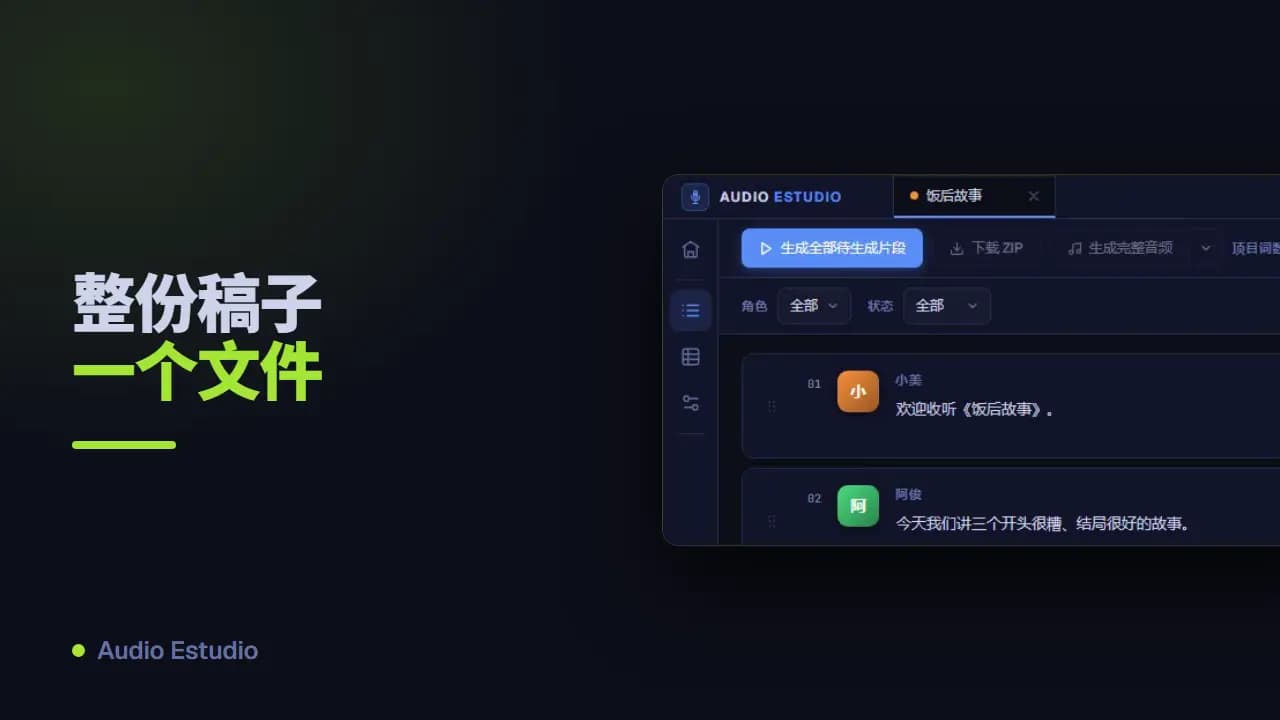
用 JSON 导入项目
在“导入项目”对话框里上传一个 JSON 文件,就能一次建好完整的项目。这个文件描述项目的标题、它的角色和它的对白片段。下面是它必须遵循的结构。
文件的字段
| 字段 | 类型 | 必填 | 说明 |
|---|---|---|---|
title | 文本 | 是 | 项目标题。至少要有一个字符。如果你已经有同名的项目,导入时会进入覆盖流程。 |
description | 文本 | 否 | 项目的可选描述。 |
language | 文本(BCP-47) | 否 | BCP-47 语言代码(例如 es-ES 或 en-US)。省略时默认使用 es-ES。 |
characters[] | 列表 | 是 | 项目的角色列表。至少要包含一个角色。 |
characters[].name | 文本 | 是 | 角色的名字。至少要有一个字符,片段就是用它来引用角色的。 |
characters[].voiceDescription | 文本 | 否 | 一段文字提示,说明这个声音应该听起来是什么样。它只是参考:并不会分配任何声音。 |
clips[] | 列表 | 是 | 对白片段列表。可以为空:那样先导入角色,片段以后再添加。 |
clips[].character | 文本 | 是 | 说这个片段的角色名字。必须和某个角色的 name 完全一致。 |
clips[].text | 文本 | 是 | 这个片段要朗读的文本。至少要有一个字符。 |
注意事项
声音不写在 JSON 里
这个文件里既没有声音也没有服务商。voiceDescription 字段只是一段文字提示。真正的声音和服务商(Gemini、ElevenLabs 或 TTS Local)要在导入之后,在项目设置中为每个角色分配。
导入到已有的标题上
如果你导入的文件标题和已有的某个项目相同,就会进入覆盖流程。如果目标项目里已经有生成了音频的片段,应用会先请你确认再继续。
角色名字必须完全一致
每个片段都用名字指向它的角色,而且比较是逐字进行的:“Marta”和“marta”是两个不同的名字,末尾多一个空格同样会让对应关系断掉。如果某个片段引用了 characters 里没有的名字,那就什么都不会导入:整个操作会被取消,提示会指出是哪一个出错,用的是英文文案“Clip references unknown character”。上传文件前请先检查大小写、重音符号和空格。
“force”字段
在你的 JSON 里始终把它保持为 false。它用来确认覆盖一个已经有片段的项目,但你接受覆盖提示时应用会自动把它打开;这个字段不需要你手动改成 true。
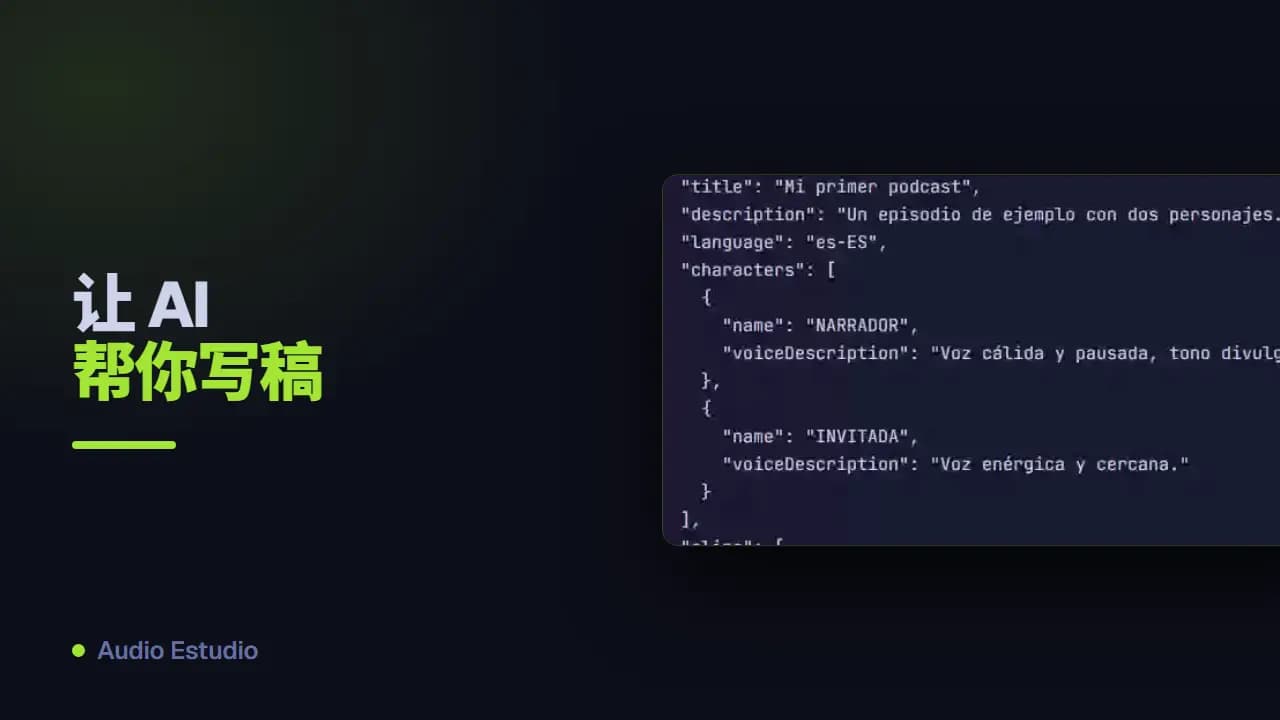
有效示例
这个示例符合格式要求,可以原样上传到导入对话框里。
{
  "title": "Mi primer podcast",
  "description": "Un episodio de ejemplo con dos personajes.",
  "language": "es-ES",
  "characters": [
    {
      "name": "NARRADOR",
      "voiceDescription": "Voz cálida y pausada, tono divulgativo."
    },
    {
      "name": "INVITADA",
      "voiceDescription": "Voz enérgica y cercana."
    }
  ],
  "clips": [
    {
      "character": "NARRADOR",
      "text": "Bienvenidos a un nuevo episodio del podcast."
    },
    {
      "character": "INVITADA",
      "text": "Gracias por la invitación, me hace mucha ilusión estar aquí."
    },
    {
      "character": "NARRADOR",
      "text": "Empecemos por el principio de la historia."
    }
  ]
}
用大模型生成 JSON
如果你不想手写 JSON,可以把这一集的脚本粘贴到 AI 助手(ChatGPT、Claude、Gemini…)里,配上这段提示词:它会返回一份可以直接导入的有效 JSON。发送之前,请把“[PASTE THE PODCAST TEXT HERE]”换成你自己的播客文本。
You are a podcast-script-to-JSON converter. You will receive the text of a podcast episode in any format (named-speaker dialogue, stage-play script, transcript, narrated prose, etc.) and you must return ONLY a valid JSON object in the format described below. Write NOTHING before or after the JSON: no explanations, no comments, no code fences (```). Your reply must start with { and end with }.

========================
OUTPUT FORMAT (exact)
========================
{
  "title": "string",
  "description": "string",
  "language": "es-ES",
  "force": false,
  "characters": [
    { "name": "Name", "voiceDescription": "[tag] [tag] ..." }
  ],
  "clips": [
    { "character": "Name", "text": "clip text" }
  ]
}

========================
ROOT FIELDS
========================
- title (REQUIRED, min. 1 char): the episode title. If the source text has a title, use it; otherwise generate a short, descriptive one.
- description (optional): 1-2 sentences summarizing the episode.
- language (optional): language code. Set it to the ORIGINAL language of the source text you are converting — detect it from the content, do NOT translate. Use a BCP-47-style code: e.g. "es-ES" (Spanish), "en-US" (English), "fr-FR" (French), "de-DE" (German), "it-IT" (Italian), "pt-BR" (Portuguese). If you can detect the language but not the region, use the most common region for that language.
- force: ALWAYS leave it as false.
- characters (REQUIRED, min. 1 entry).
- clips (REQUIRED): each clip is ONE voice line. The ORDER of the array IS the position (1, 2, 3…). Do NOT add any position field.

There is NO "meta" object and NO "author" field. title, description, language and force live at the root.

========================
CHARACTERS
========================
- One entry per voice that speaks in the podcast, INCLUDING the narrating voice (call it "Narrador").
- name: unique within the project, with an initial capital (e.g. "Narrador", "Luna", "Ogro"). It must match CHARACTER FOR CHARACTER (same letters, same upper/lowercase) the "character" of its clips.
- voiceDescription: optional but recommended. ALWAYS in ENGLISH, with audio-tags in brackets (max. 4-5): age, energy, timbre, base emotion. Examples: "[warm] [slow] [storytelling]", "[energetic] [young] [curious]", "[raspy] [old] [wise]". Infer it from cues in the source text; if there are none, give a reasonable description or leave it as "".

========================
CLIPS — conversion rules
========================
1. Each spoken line (narration or dialogue) → one object { "character": ..., "text": ... }.
2. VOICE ONLY. NEVER put into clips: music, sound effects, pauses, ambiences, stage directions, or production notes. All of that is OMITTED from the JSON (it gets added later in the app). Discard lines such as: [MUSIC: …], [SOUND: …], [SFX], [PAUSE: N], (wind blows), [intro music], *laughter in background*, etc.
3. There are NO type, mood, duration, position or per-clip description fields. Each clip has EXACTLY two fields: "character" and "text".
4. text: the clean text of the line, WITHOUT the character name in front and WITHOUT sound directions.
5. Keep the EXACT order of the source script.

========================
EMOTION / TONE (inline, optional)
========================
Emotion is NOT a separate field: if a line has a clear emotion, place it at the START of "text", in brackets and in English. Use at most ONE tag per clip and only when it adds value; if the line is neutral, leave the text clean.
Use ONLY these tags (map the source emotion to the closest one; if none fits, use no tag). Keep the tag in English even when the line itself is in another language:
[whispers] [excited] [trembling] [serious] [giggles] [shouting] [tired] [curious] [amazed] [crying] [sighs] [gasp] [laughs] [mischievously] [panicked] [sarcastic]
Example: { "character": "Luna", "text": "[whispers] ¿Quién anda por aquí tan tarde?" }

========================
MERGE RULE
========================
If the SAME character speaks two or more lines IN A ROW with nothing in between (no other character, no music/sound/pause), merge them into ONE clip joining the texts with a space, and do NOT add an inline emotion tag.
If between two lines of the same character there was an effect, music, pause or another voice, KEEP them as separate clips (this leaves a natural point to insert that effect later in the app).

========================
FINAL VALIDATION (before replying)
========================
- Every "character" in clips exists in characters, with the same upper/lowercase.
- characters has ≥ 1 entry and clips has ≥ 1.
- No music, sounds or pauses inside clips.
- No clip has extra fields: only "character" and "text".
- "language" reflects the source text's original language.
- The JSON is syntactically valid and is the ONLY thing you return.

========================
PODCAST TO CONVERT
========================
[PASTE THE PODCAST TEXT HERE]