Ver en vídeo
Lo mismo que cuenta esta página, explicado en pantalla.
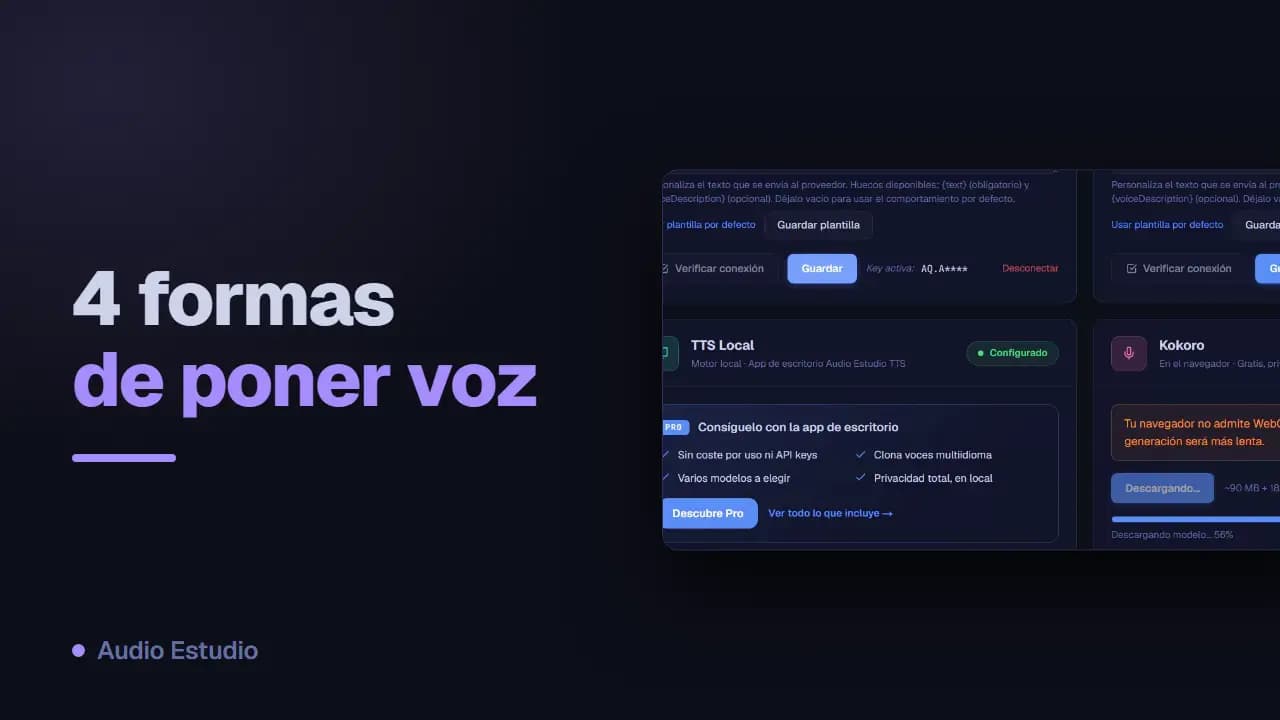
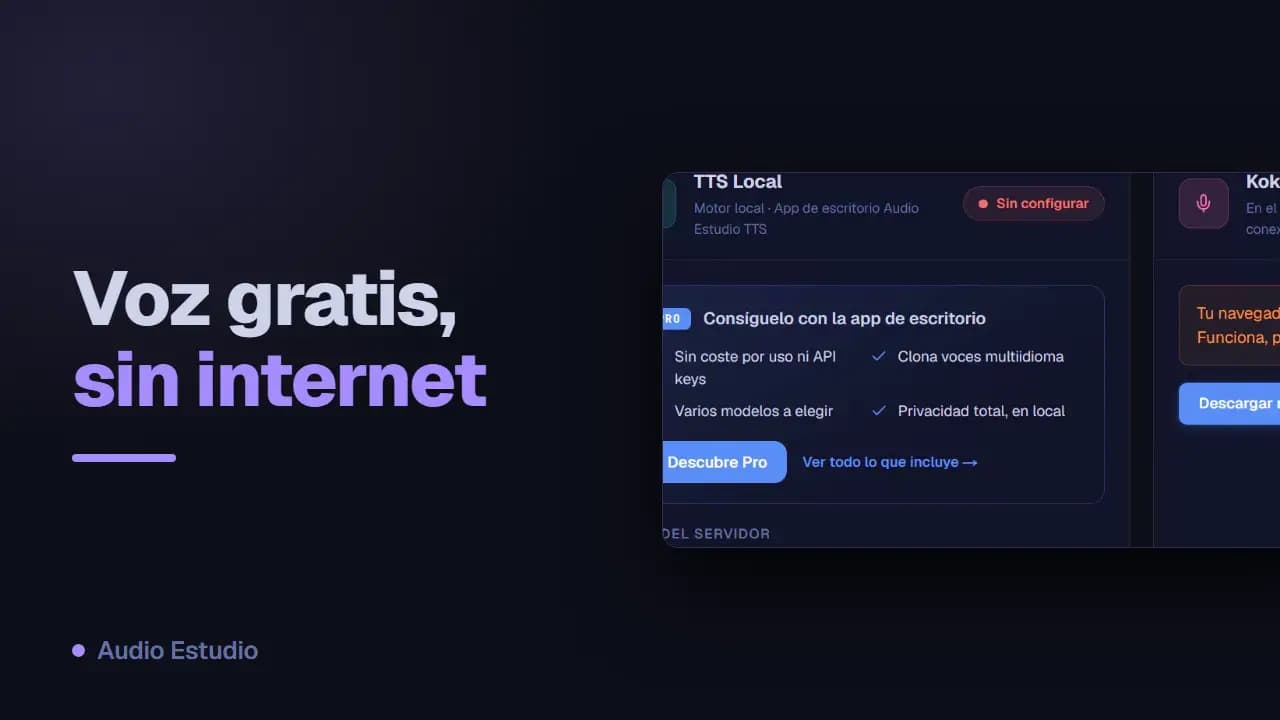
Proveedores de voz y API keys
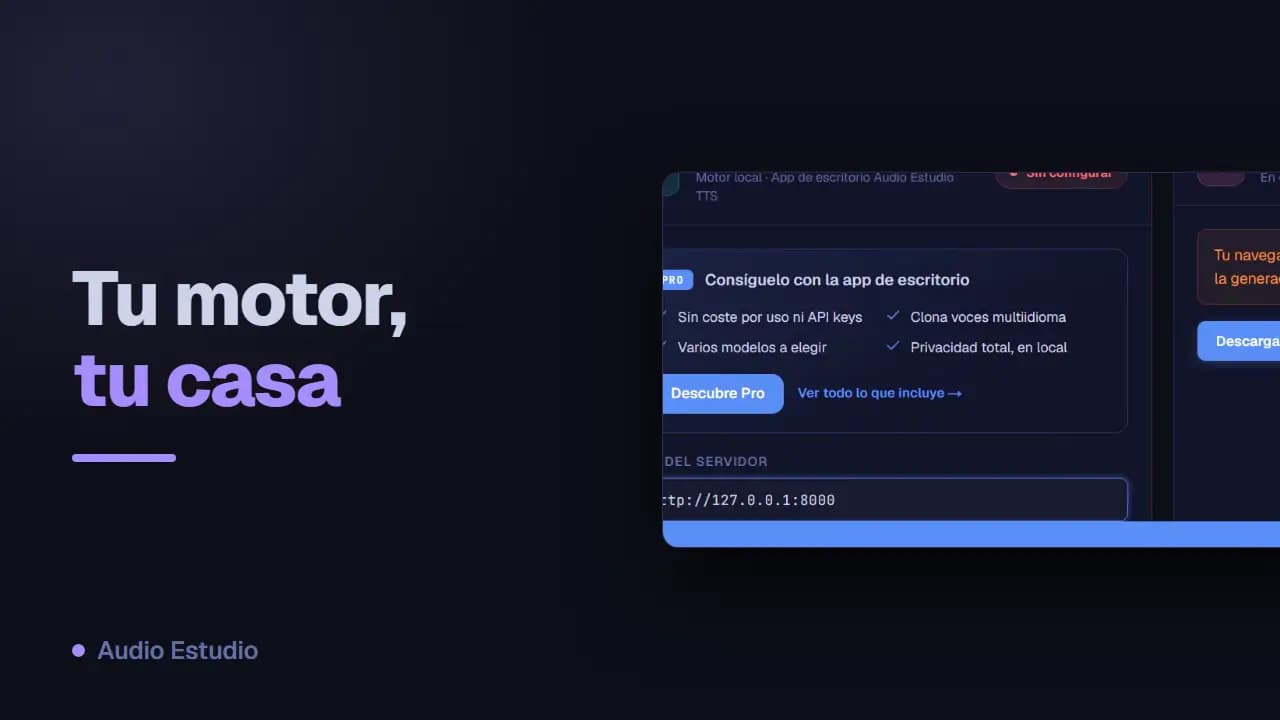
Audio Estudio genera audio con motores de texto a voz (TTS). Elige el proveedor que prefieras, configúralo en Ajustes y asigna una voz a cada personaje.
Proveedores disponibles
Kokoro: TTS en el navegador
Kokoro genera voz en el propio navegador, sin enviar nada al servidor. Es gratis, privado y funciona sin conexión una vez descargado. Es multilingüe: ofrece voces en inglés, español, francés, italiano, portugués e hindi (un fonemizador espeak-ng convierte el texto a sonidos para cada idioma). Requiere un navegador moderno: con WebGPU va rápido; sin WebGPU usa WASM (más lento). La primera vez descarga el modelo (~90 MB en WASM, ~330 MB con WebGPU para mejor calidad) más el fonemizador (~18,5 MB), que quedan guardados en caché para los usos siguientes.
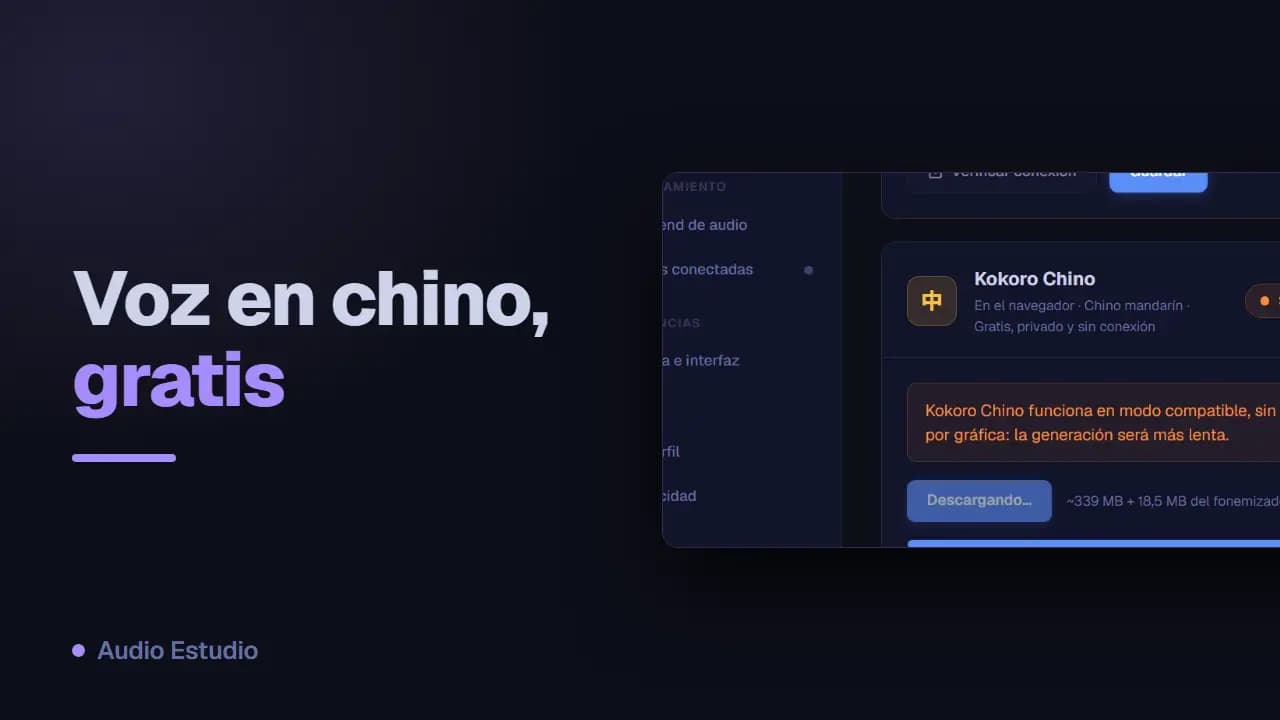
Kokoro Chino: TTS en el navegador
Kokoro Chino genera voz en mandarín directamente en el navegador, sin enviar nada al servidor. Es gratis, privado y funciona sin conexión una vez descargado. Requiere un navegador moderno y funciona en modo compatible, sin aceleración por gráfica, así que genera más lento que Kokoro. La primera vez descarga el modelo (~339 MB, en precisión completa: es la única forma en que este modelo suena correcto en el navegador) más el fonemizador espeak (~18,5 MB, compartido con Kokoro), que quedan guardados en caché para los usos siguientes.
Asignar voz y proveedor a cada personaje
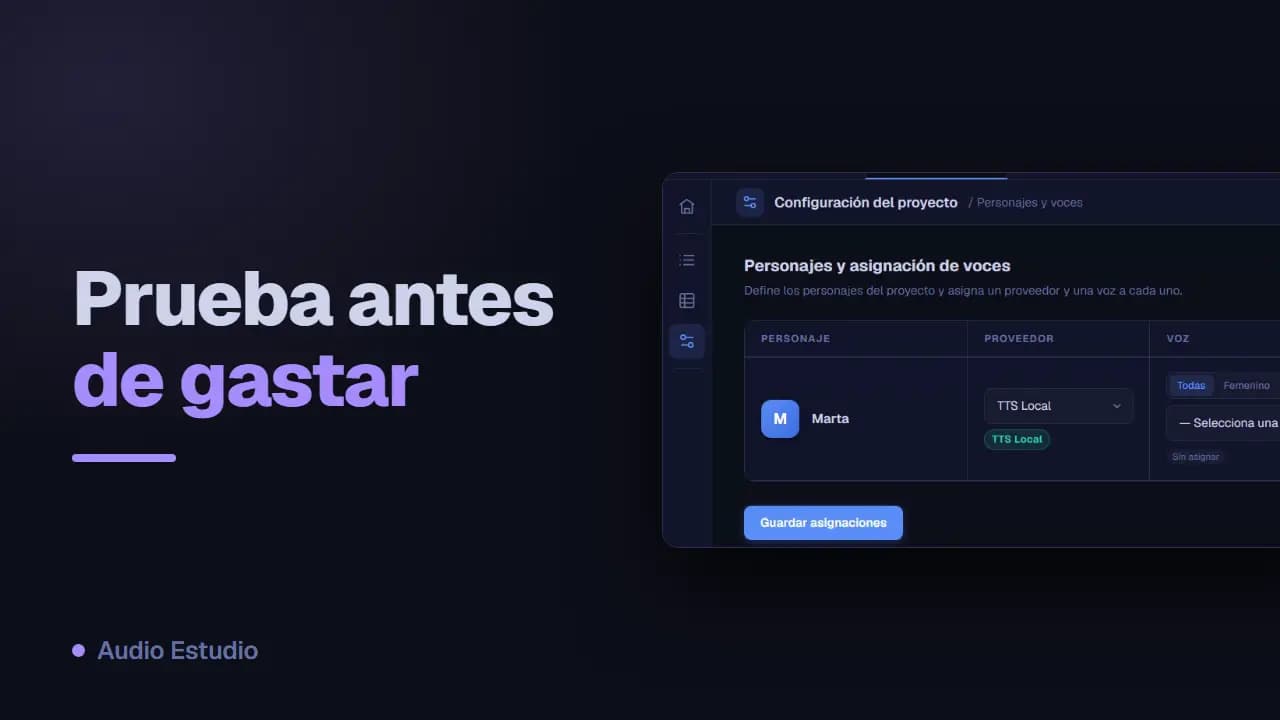
En la configuración del proyecto, cada personaje tiene una voz y un proveedor asignados. Así puedes mezclar motores dentro de un mismo podcast: un personaje con Gemini y otro con ElevenLabs, por ejemplo.
Idioma del proyecto e idioma de la interfaz
El idioma del proyecto se elige al crearlo y orienta la generación de voz. El idioma de la interfaz es independiente y se cambia en Ajustes; afecta solo a los textos de la aplicación, no al audio.
Etiquetas de emoción
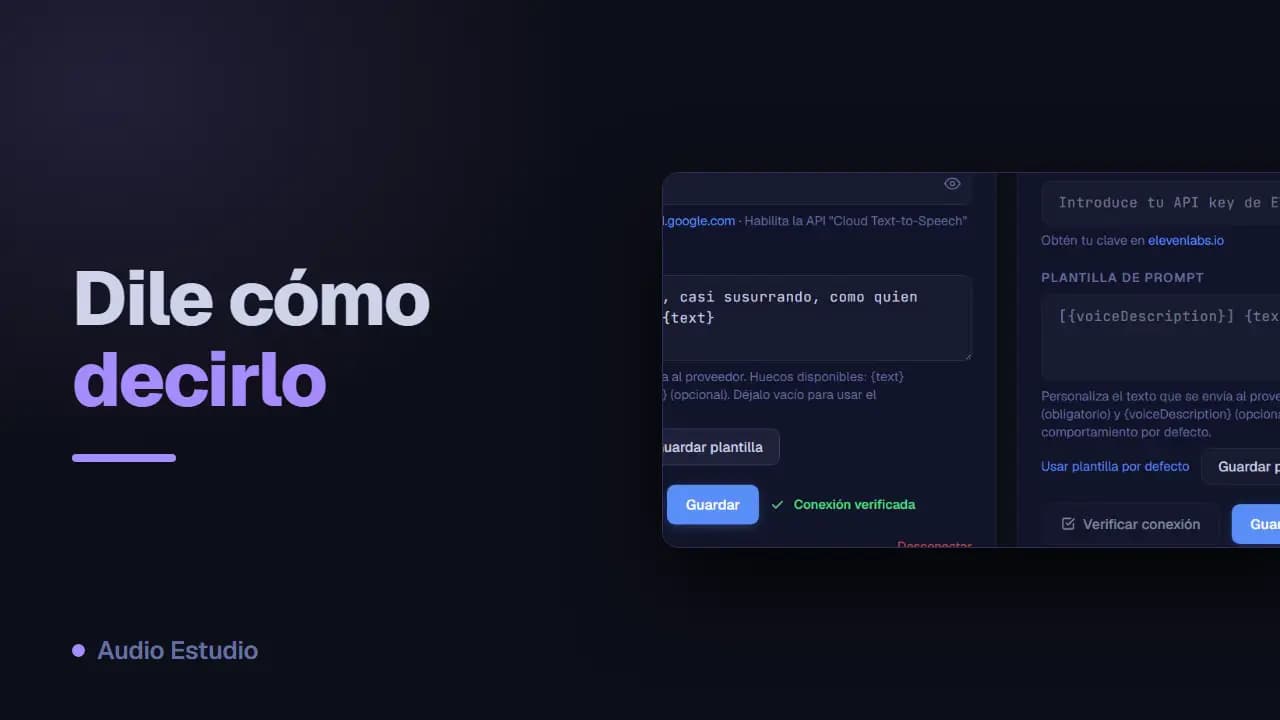
Al asignar voces puedes insertar etiquetas de emoción como [whispers] o [excited] en la descripción de voz. Son sugerencias de estilo que los modelos expresivos interpretan al generar.
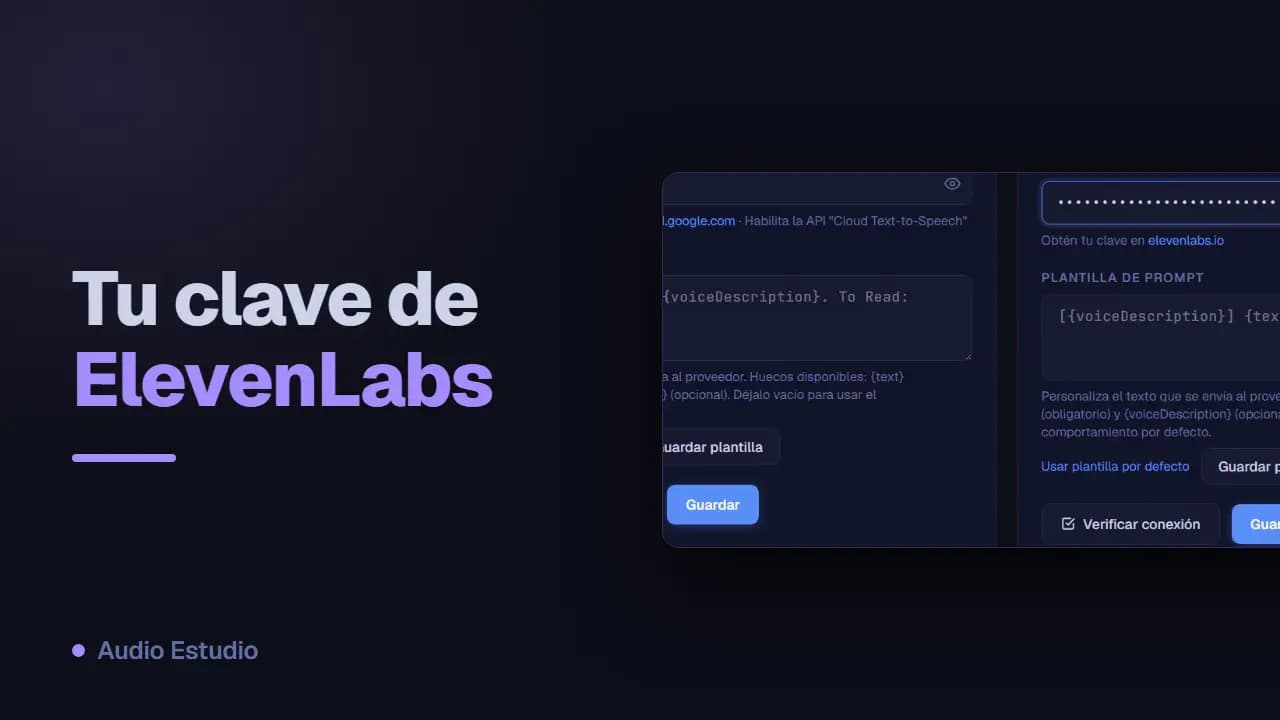
Plantilla de prompt personalizada
Cada proveedor tiene una plantilla de prompt que puedes personalizar con los huecos {text} y {voiceDescription}. Úsala si quieres controlar exactamente cómo se arma la petición; si no la tocas, se usa la de por defecto.
Cambiar el backend de voz
Puedes cambiar el proveedor con el que se genera cada personaje desde los ajustes de voz del proyecto, sin perder el texto ya escrito.
El plan gratuito genera audio con voces de IA sin tarjeta y sin instalar nada.