Audio Estudio help center
Guides for turning a script into audio with a different voice for each character. Each topic reads on its own — no account needed.
Watch it instead
The same thing this page explains, shown on screen.
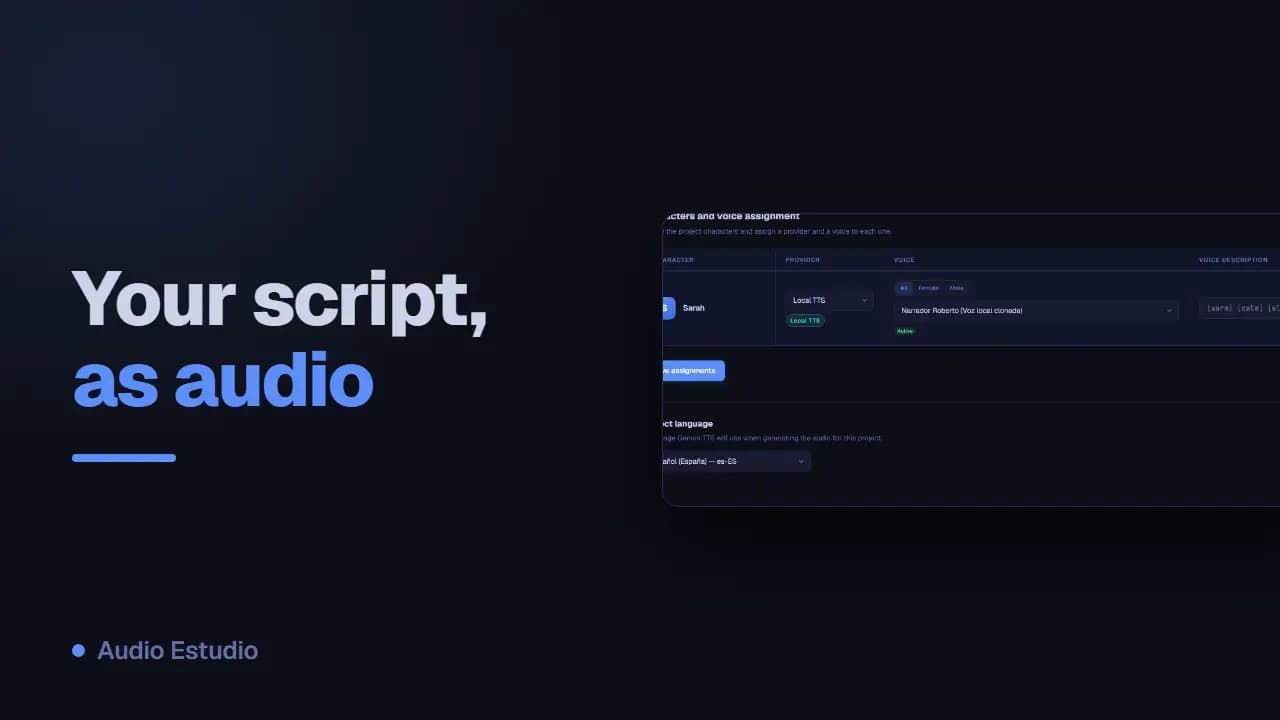
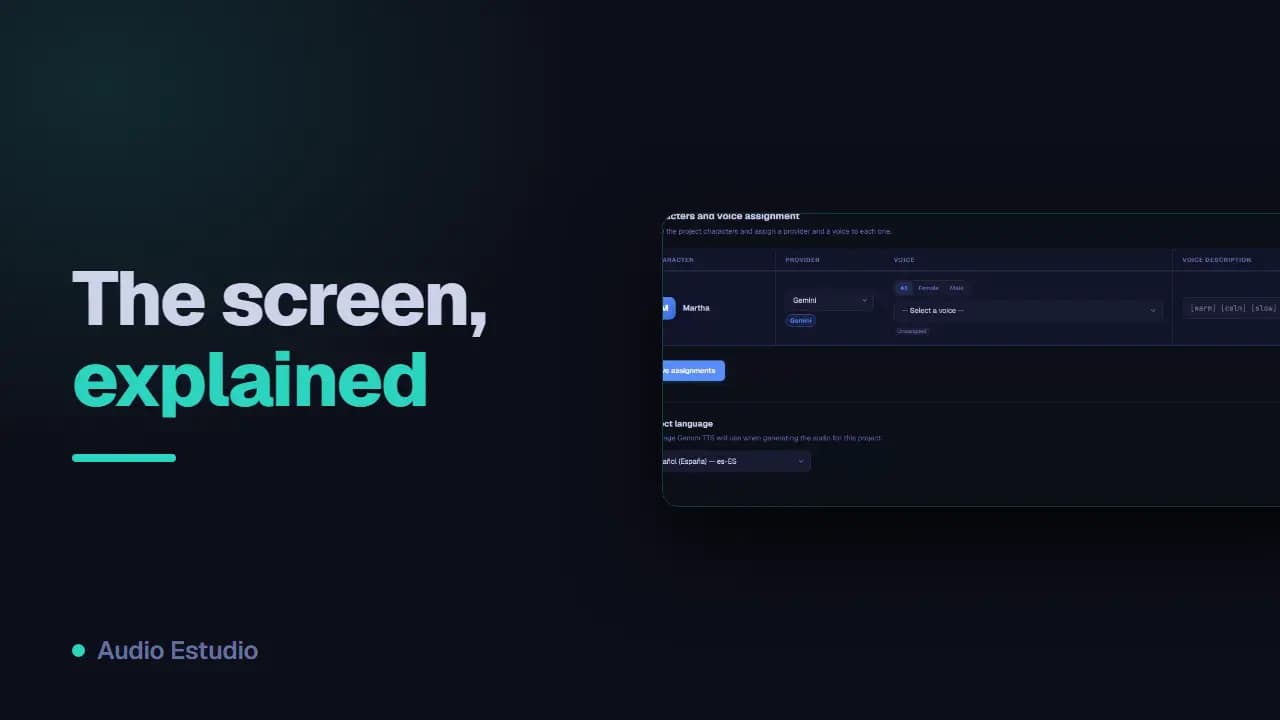
Create your first project, add characters and write the clips.
The five voice engines available, which to pick and where their keys go.
Install the desktop app to clone your voice without paying per use.
Sort, filter and fix the clips of a long script.
Generate clip by clip or in batch and download the result.
Put the episode together with music and effects on the timeline.
What the free plan includes and what Pro adds.
Language, theme, exporting your data and deleting the account.
Alerts, the activity log and the storage-space warning.
Save the audio to your Drive, Dropbox or OneDrive.
Import an entire script from a JSON file.
Seven complete builds, from start to finish: two-voice podcast, audiobook, dubbing, interview, meditation, ad and newsletter.
Email us when the guide doesn't solve your case.