Watch it instead
The same thing this page explains, shown on screen.
Creating a project and characters
In Audio Estudio, a project is a complete script: the characters who speak and the dialogue clips each one says. You can write it from scratch inside the app or import it from a JSON file; after that you assign a voice to each character and generate the audio clip by clip.
Create a project from scratch
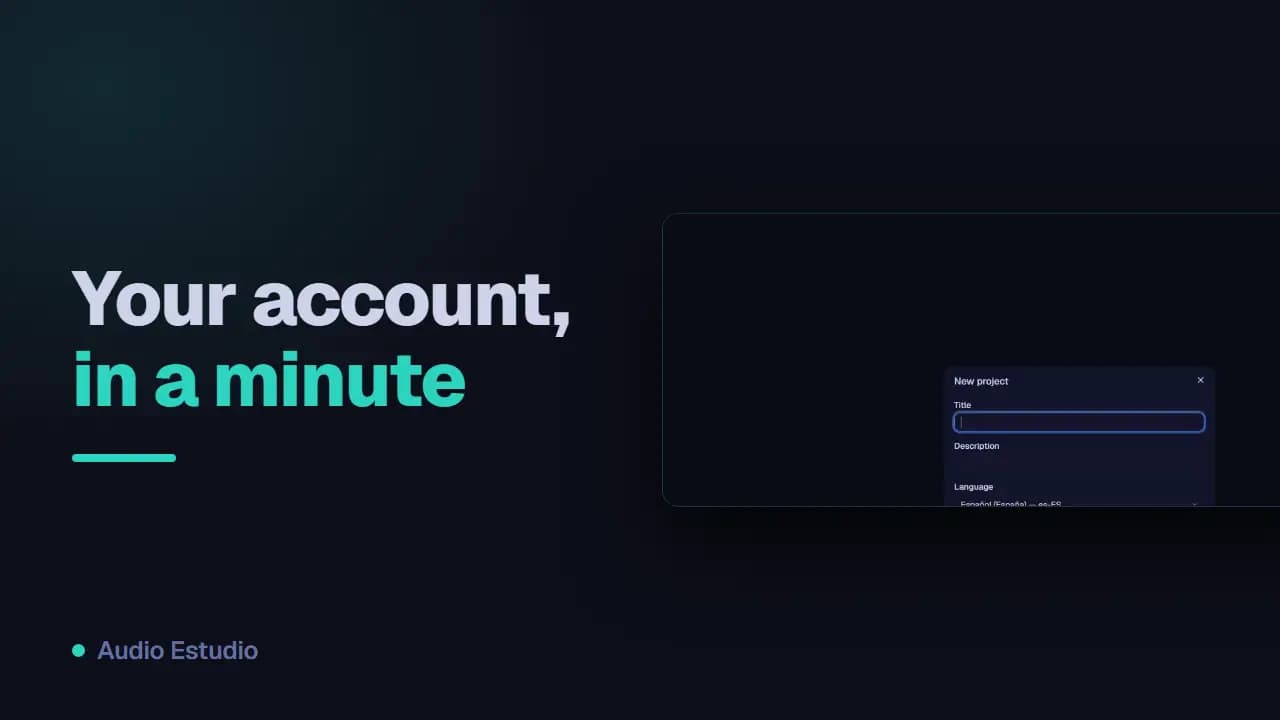
Click "New project" in the gallery to open the form. Give it a title (required), an optional description and pick the project language. Once created, it opens straight away so you can start working.
Add characters
Each voice in the podcast is a character. Characters are managed inside the project: you give them a name and, in the project settings, you assign them a voice and a provider. The character name is the value its clips reference.
Write clips
A clip is a single line: the text a character says. Add clips with "New clip", choosing the character and typing the text. You can reorder them by dragging to set the order of the conversation.
Navigating between projects
Open projects appear as tabs at the top. Open several at once, close them when you’re done and rename them with a double click.
Where are characters created?
There is no separate screen for adding them: a character is born with its first clip. In “New clip”, press “New character”, type the name and, if you want, pick the provider and voice right there. The other route is importing a JSON, which creates every character in the script in one go. The name is unique within the project: if you repeat one that already exists, the clip is assigned to that character and it keeps the voice it already had.
What the project language actually does
The selector offers ten codes (es-ES, en-US, en-GB, fr-FR, de-DE, it-IT, pt-BR, ja-JP, ko-KR and zh-CN) and starts on es-ES. That code is sent to Gemini when each clip is generated. The other engines do not receive it: Kokoro works out the language from the voice you assign, and ElevenLabs always sends the Spanish language code whether or not you change the project language, so this setting changes nothing there. You can change it later in “Project settings” without touching the clips.
“You already have a project with that title”
Titles are unique within your account. If you already have “Episode 1” and try to create another one with the same title, the form returns that notice: change the title, or rename the old one by double-clicking its tab. You will not see that error when importing: a JSON whose title matches one of your projects opens the overwrite flow and updates that project instead of creating a new one.
The free plan generates audio with AI voices — no card, nothing to install.