Watch it instead
The same thing this page explains, shown on screen.
Real-world recipes
The other guides explain each piece on its own. This one puts them together: seven complete jobs, with the order that works best and the decisions that save you from redoing the whole episode. Every one of them can be followed with the free browser engine, without spending a cent on tests.
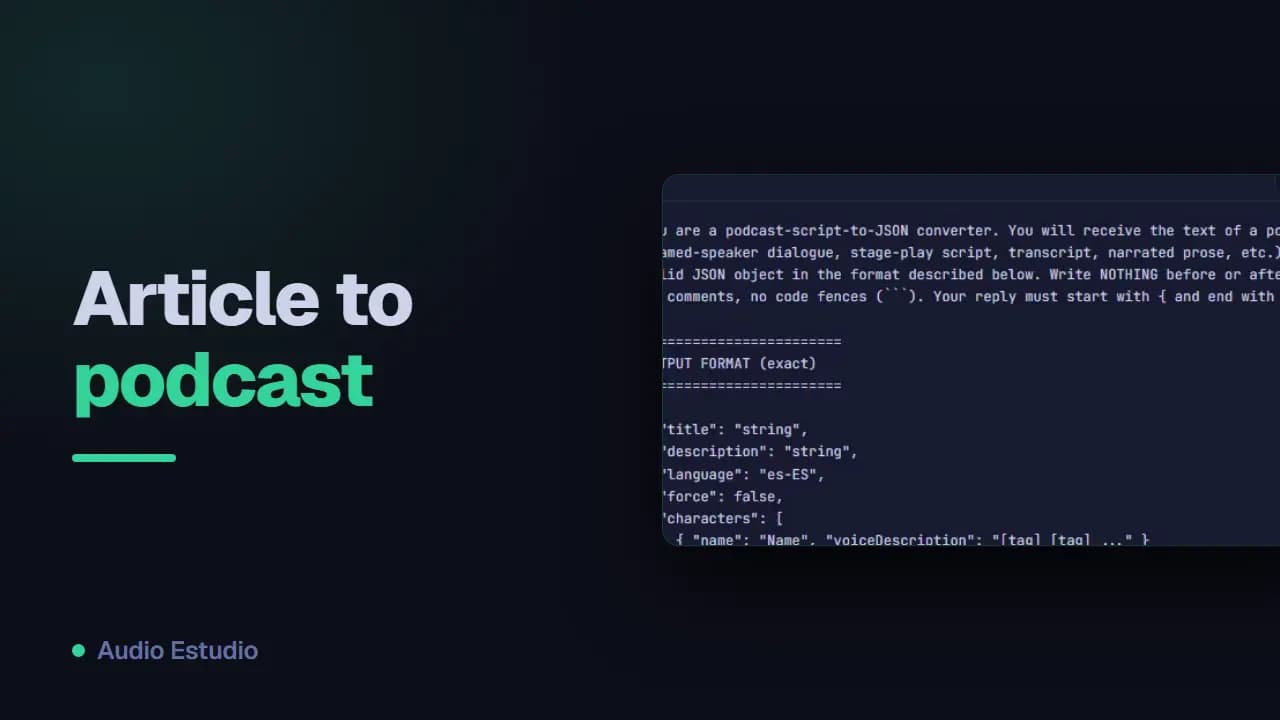
From an article to a two-voice podcast
You get an episode in which two characters discuss a text you had already written. Before you start you need the article and a dialogue script: the “Importing a project from JSON” guide has a prompt to ask an AI for it and the format it has to follow. Once the script is in, assign a voice to each character and generate the whole batch.
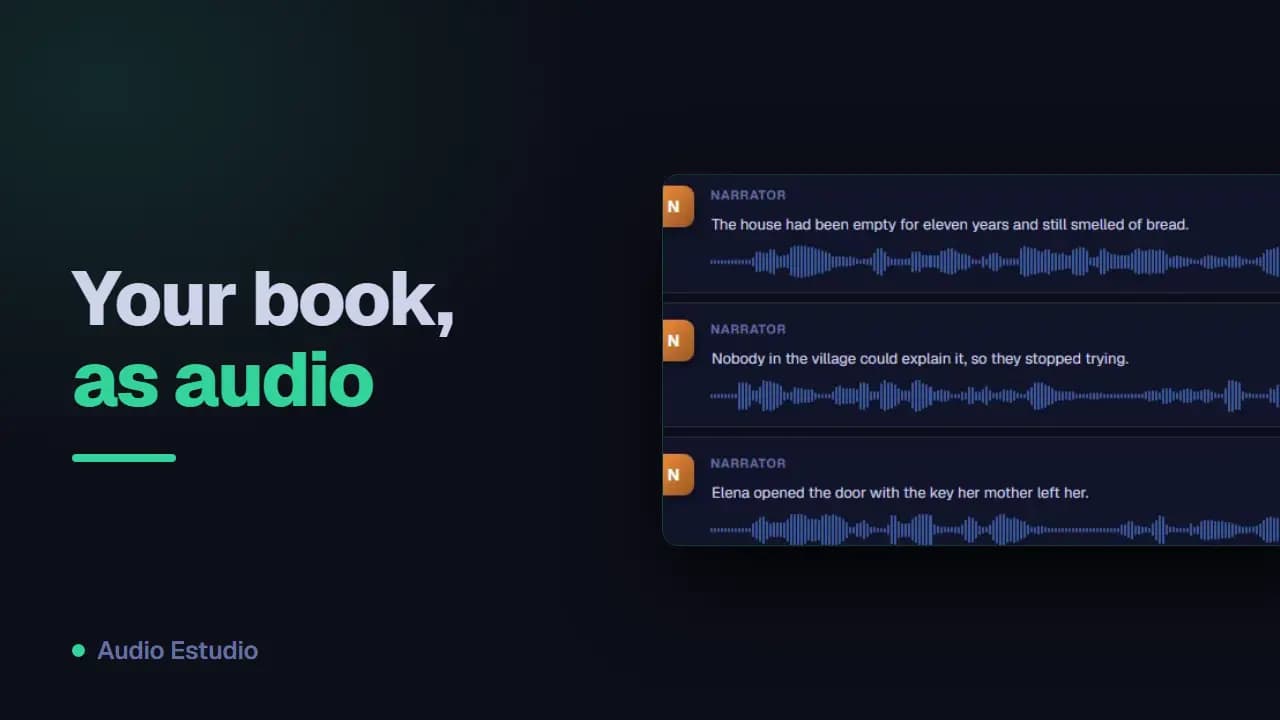
An audiobook, chapter by chapter
You get one audio file per chapter, with the same voice from start to finish. Before you start, have the text already split into chapters and the narrator's voice decided: changing it halfway through the book forces you to regenerate everything. Make one project per chapter and generate in batches; batches and downloads are in “Generating and exporting audio”.
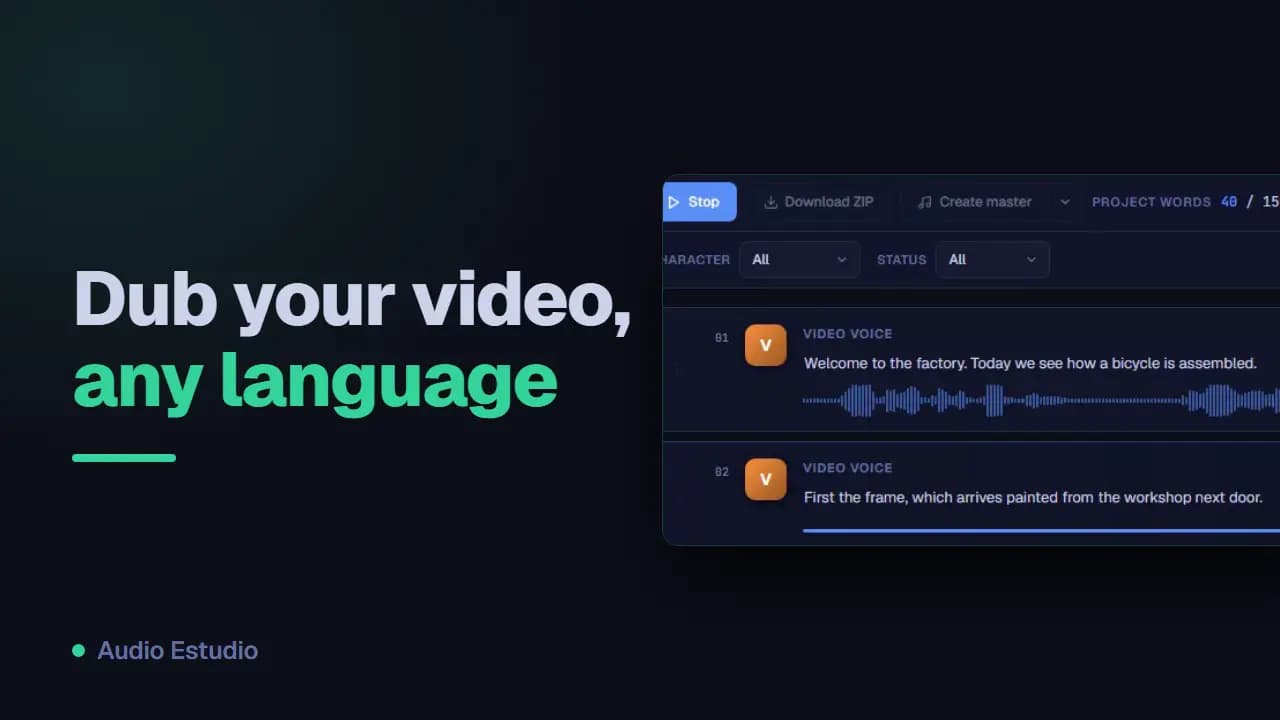
Dubbing a video into another language
You get a voice-over track in the new language, ready to lay over your video. Before you start you need the script already translated and an engine with voices in that language: which ones each engine covers is in “Voice providers and API keys”. So that every line falls where it should, adjust the timings as explained in “Timeline editing and effects”.
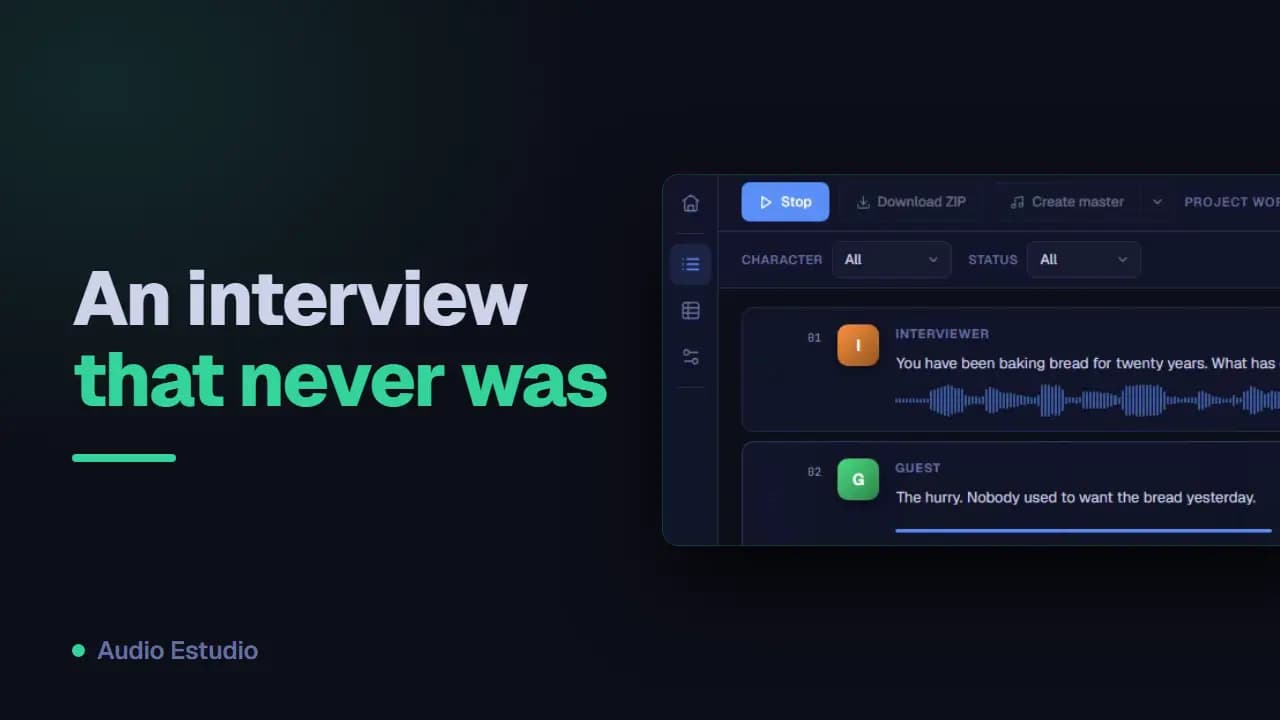
An interview that was never recorded
You get a question-and-answer conversation that sounds like a real chat. Before you start you need two characters created and the script split into turns, one per clip. The rhythm is worked on in two places: the emotion tags of each voice, in “Voice providers and API keys”, and the pauses between turns, in “Timeline editing and effects”.
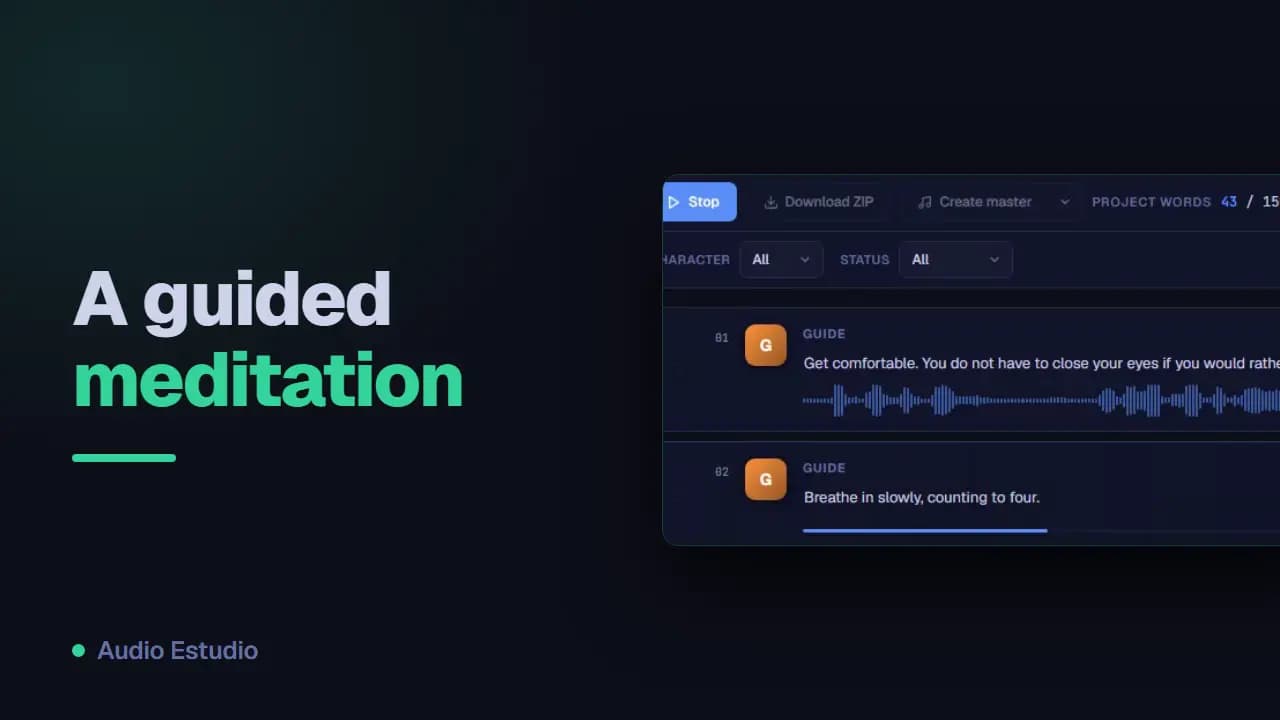
A guided meditation with music
You get a session of slow, calm speech with music underneath. Before you start you need the text with its silences already planned and a music file you are allowed to use. The voice is generated like any other clip; the work is in the mix: the music on a separate track and the volume balance, in “Timeline editing and effects”.
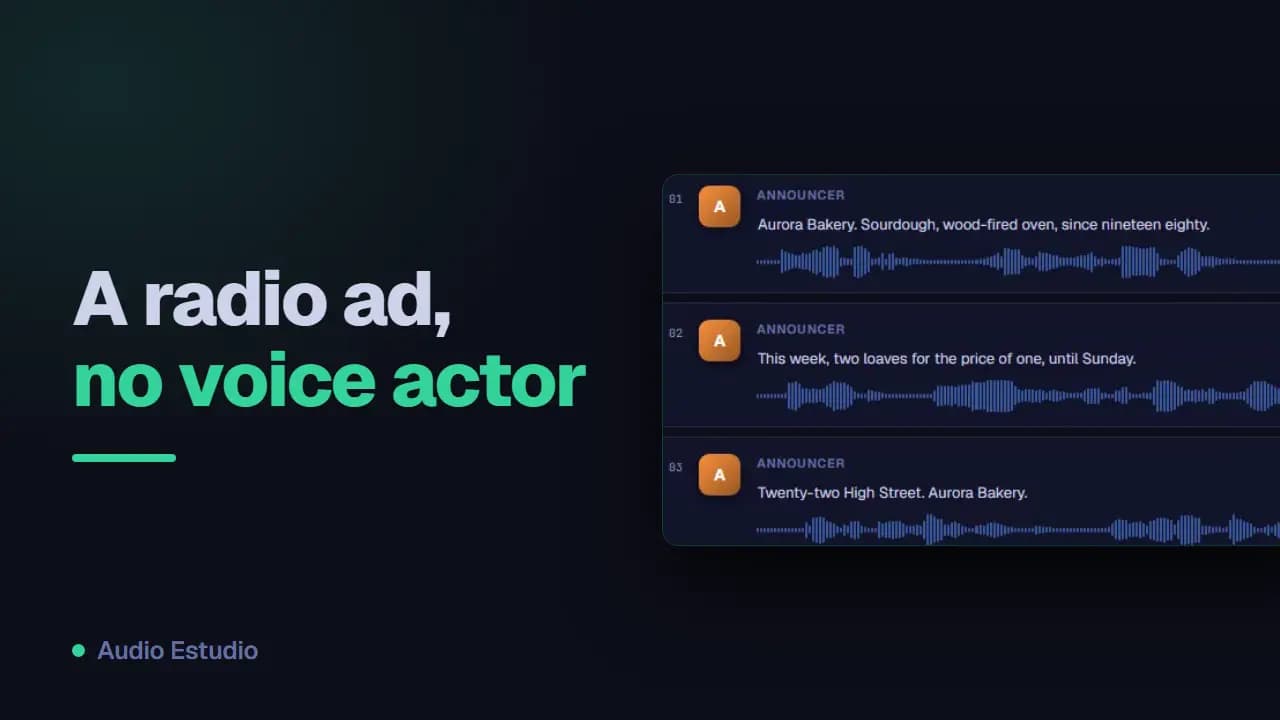
A radio ad in a quarter of an hour
You get thirty seconds of advertising with a voice, one effect and background music. Before you start, read the text out loud with a stopwatch to check that it fits, and have the effect and the music at hand. The performance is directed from the voice description, in “Voice providers and API keys”; the effect and the music are placed in “Timeline editing and effects”.
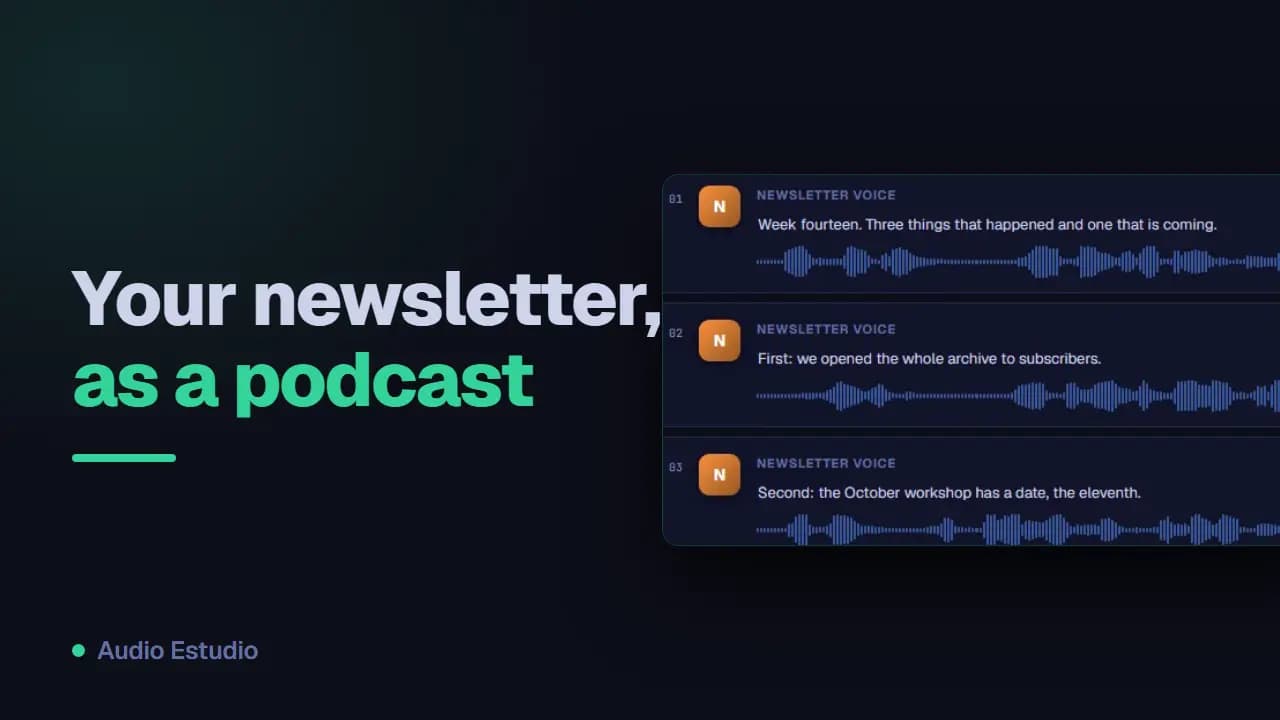
Your weekly newsletter, in audio
You get a routine you repeat every week: the same project, the same voice and a new script. Before you start you need a project already built and tested, with its character and its assigned voice. Every week you replace the text of the clips and generate again; if the newsletter is long, replacing it whole as explained in “Importing a project from JSON” is faster.
The free plan generates audio with AI voices — no card, nothing to install.