Watch it instead
The same thing this page explains, shown on screen.
Generating and exporting audio
Generating means turning the text of each clip into voice. You need two things: the clips written and a voice assigned to each character. From there you can generate clip by clip or in one go, listen to the result and take it away as a single file or as separate clips.
Generate a clip
Each clip has a "Generate" button that produces its audio with the character's voice and provider. Once generated, you can play it, download it or delete its audio to regenerate it.
Batch generation
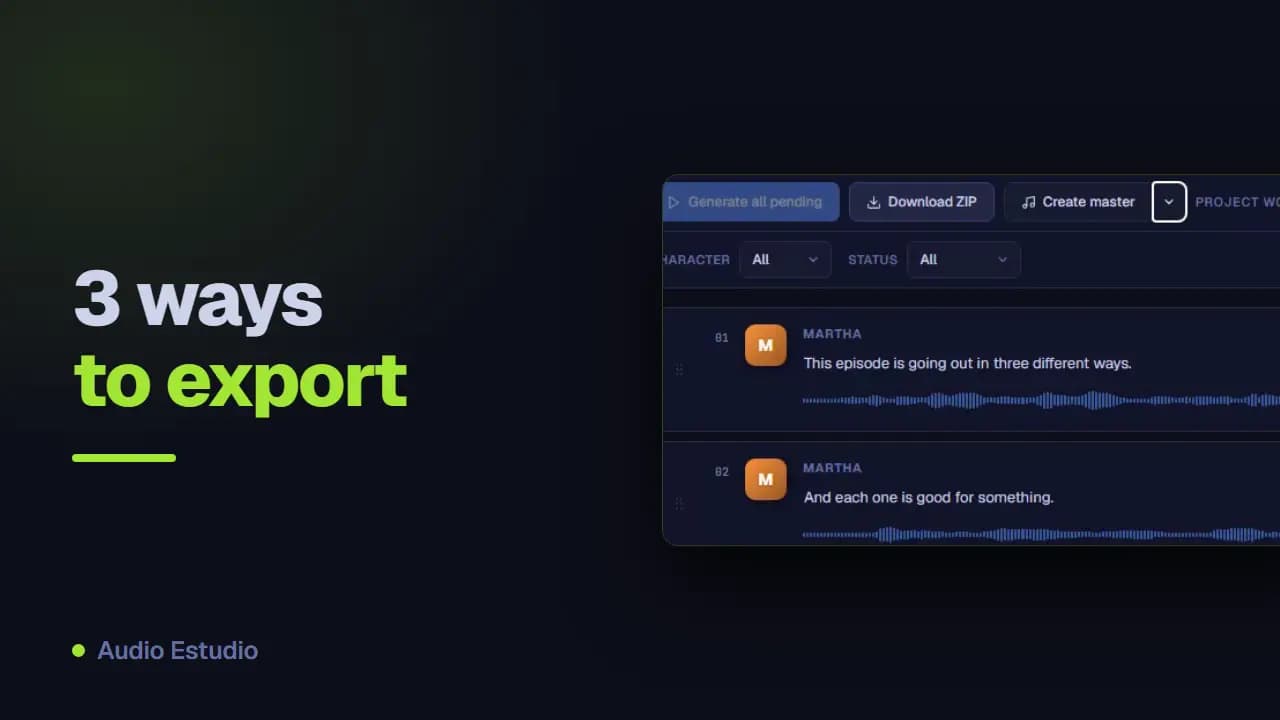
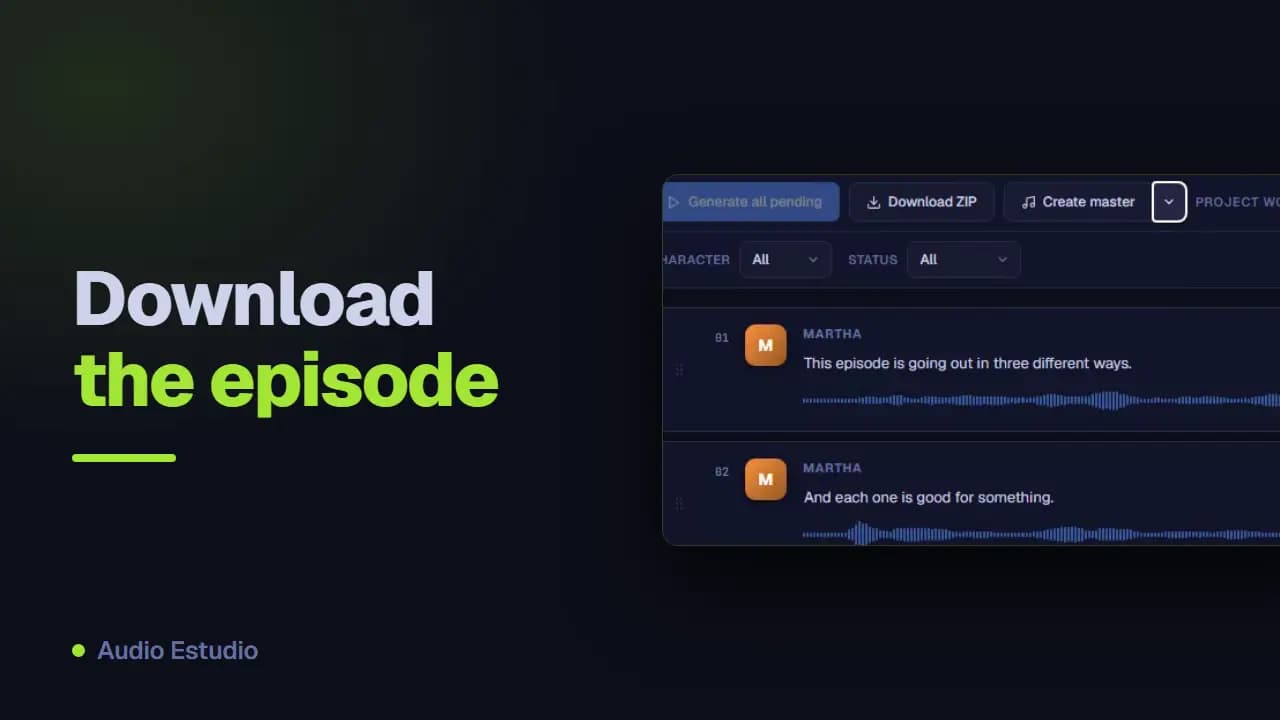
"Generate all pending" processes at once every clip that doesn't yet have audio, showing the progress clip by clip. It's the quick way to generate a whole project.
Call logs
The logs panel keeps a history of the calls to the TTS providers: which ones succeeded, which failed and how long they took. It's useful for diagnosing generation errors.
Common errors when generating
“No voice assigned to this character”: the assignment is missing in “Project settings”. “Configure the … API key in Settings”: that character’s provider has no key saved in this browser. “Rate limit reached, please wait a moment”: there is a cap of 60 requests per minute, wait and try again. “TTS generation failed” is the generic message and, with the Local provider, it almost always means that the desktop app’s server is not running.
Export the audio
Once the audio is generated, you can export it in several ways depending on what you need:
Creating the master (WAV or MP3)
“Create master” joins all clips into a single audio file. You can choose WAV (top quality) or MP3 (lighter for sharing).
What format the audio is in and how the files are named
All audio is generated as WAV at 24,000 Hz, mono and 16-bit. The WAV master inherits that format; in MP3 it is encoded at 128 kbps. The names come from the project title: “Fireside Stories” produces fireside-stories-master.wav and, in the ZIP, fireside-stories-clips.zip with one file per clip named 001-Emma.wav, with the position padded to three digits. The master chains the clips one after another with no silence between them: if you want pauses, assemble the episode on the timeline.
Deleting all audio
From the action bar you can delete all generated audio of the project’s clips at once, keeping the texts, if you want to regenerate from scratch.
The free plan generates audio with AI voices — no card, nothing to install.