Watch it instead
The same thing this page explains, shown on screen.
Your plan (Free & Pro)
Audio Estudio has a free plan, with no card, and a paid Pro plan. On both you generate voice with ElevenLabs and Gemini using your own keys, and with Kokoro inside the browser without needing a key. What changes are the size caps and a couple of features, among them the desktop engine, which only responds on Pro. Here is what each one includes and what happens when you switch plans.
What Free includes
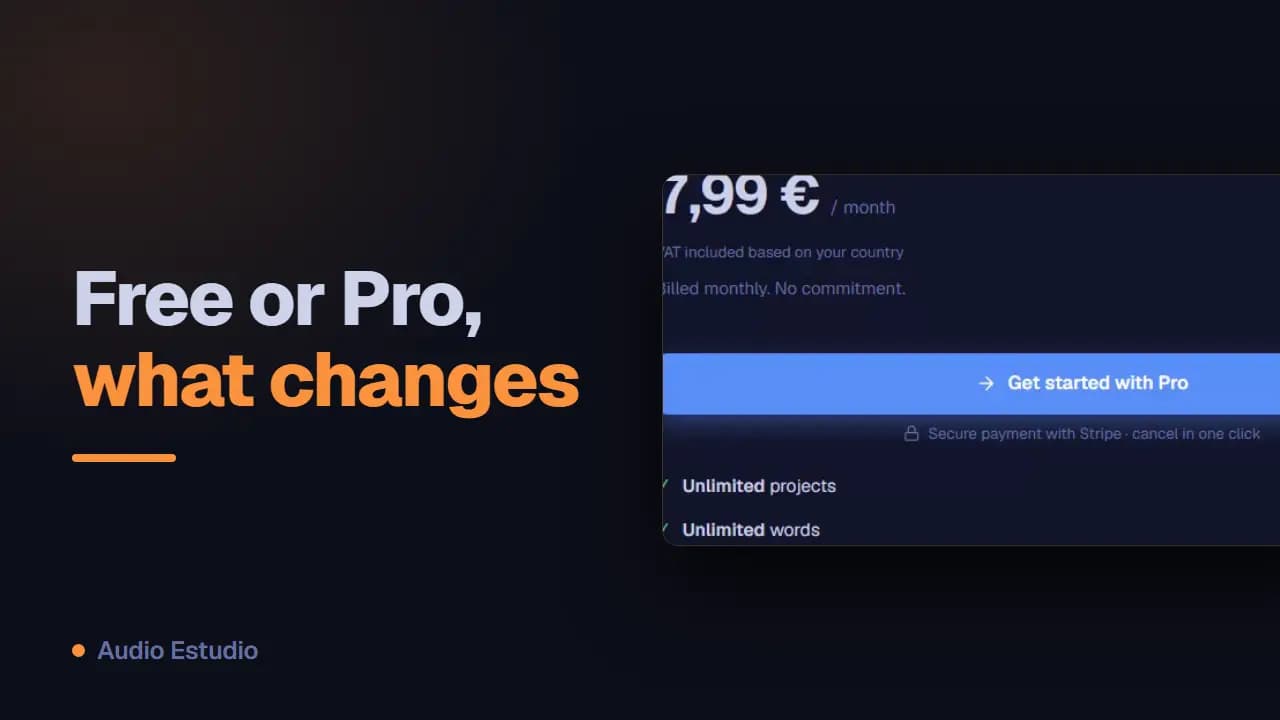
The free plan allows up to 2 projects, ~1500 words per project (about 10 minutes of audio), 1 extra timeline track and 4 SFX or imported audios per project. Audio lives only in this browser.
What Pro unlocks
Pro gives you unlimited projects, words, tracks and SFX, plus sync to your cloud so your projects are on several devices, and priority support.
Meter and limit warnings
As you write you’ll see a word meter for the project. When you reach a limit (projects, words, tracks, SFX or cloud) a notice appears that takes you to upgrade to Pro.
Upgrading to Pro
You can upgrade to Pro from the user menu, from Settings → Plan or from any of those notices. Payment is processed securely and your plan activates when you finish.
Managing your subscription
In Settings → Plan you can open the payment portal to change your method, renew or cancel. If you cancel, you keep Pro until the end of the period you already paid for.
Pro does not include voice credits
On both plans you generate with your own keys: whatever you spend on Gemini or ElevenLabs you pay to that provider, not to us. Kokoro, which runs inside the browser, is free on both plans and asks for no key. The only engine Pro unlocks is the desktop one.
How the 1500 words are counted
The cap is per project, not per account: the words of all its clips are added up. The “Project words” meter in the action bar shows something like 1234 / 1500 and only appears on the free plan; it turns amber when 375 words or fewer are left and red when you reach the cap. Exactly 1500 still fits; past that point adding words is blocked, but editing or trimming the ones already there is not.
If you stop being Pro, nothing is deleted
Nothing is deleted automatically: the extra projects are still there, and one that went over 1500 words keeps all of its text — and keeps it editable. The rule when you drop down a plan is always the same: what already exists can be opened, edited and trimmed; the only thing blocked is making it grow. In a project above the cap you can fix a typo or shorten a clip and it saves just fine; only a change that adds words is rejected. The tracks and effects you already had keep working; there too the limit only stops you from adding more.
The free plan generates audio with AI voices — no card, nothing to install.